

JJD number
Example format
JJD0001234567890123
JJD followed by 16 digits.

Track Yodel parcels across the UK with your tracking number. See when your parcel is out for delivery, waiting in a locker or delivered, on one screen.
Enter your Yodel tracking number
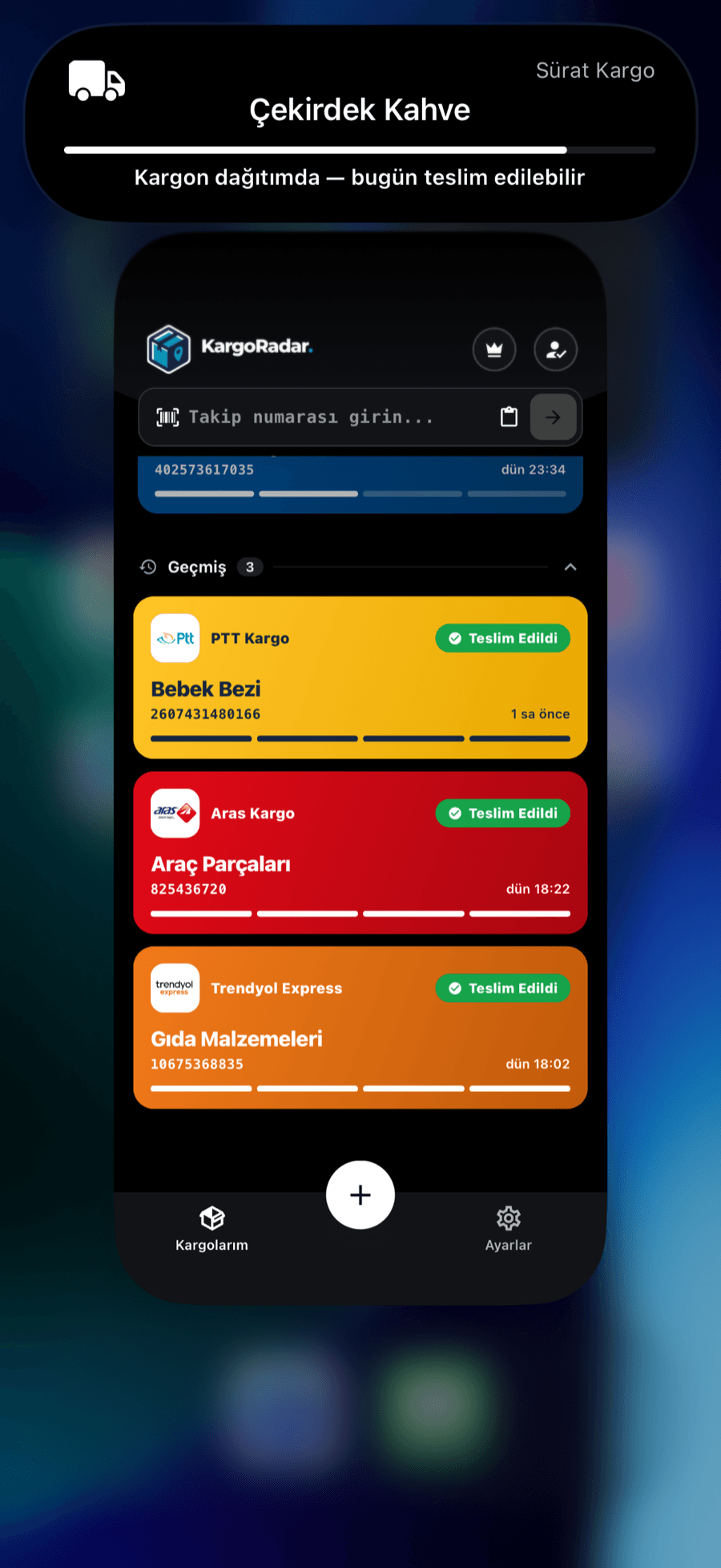
When any of your packages, including Yodel, is out for delivery, you’ll see it in the Dynamic Island, on your home screen widget and in your notifications. Your package keeps you posted before you even ask.
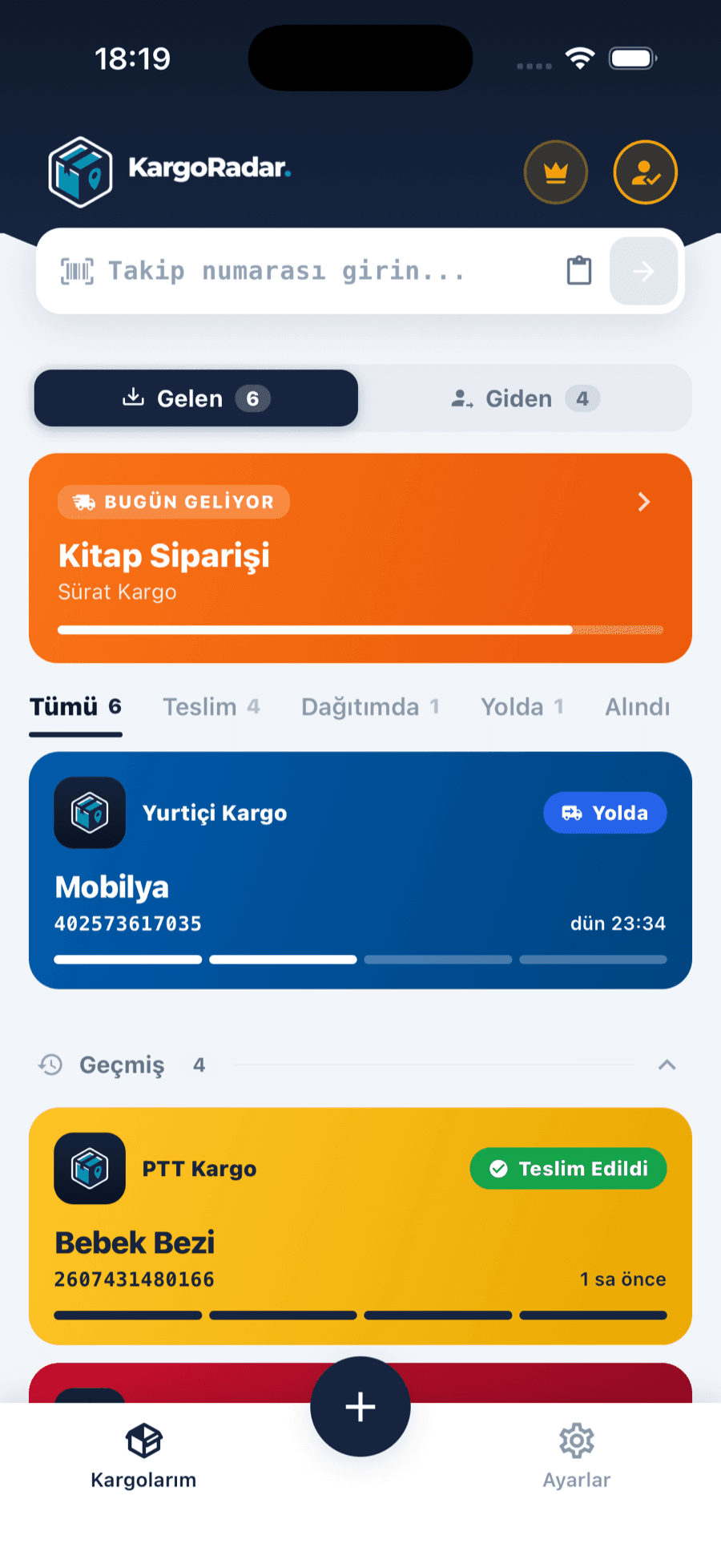
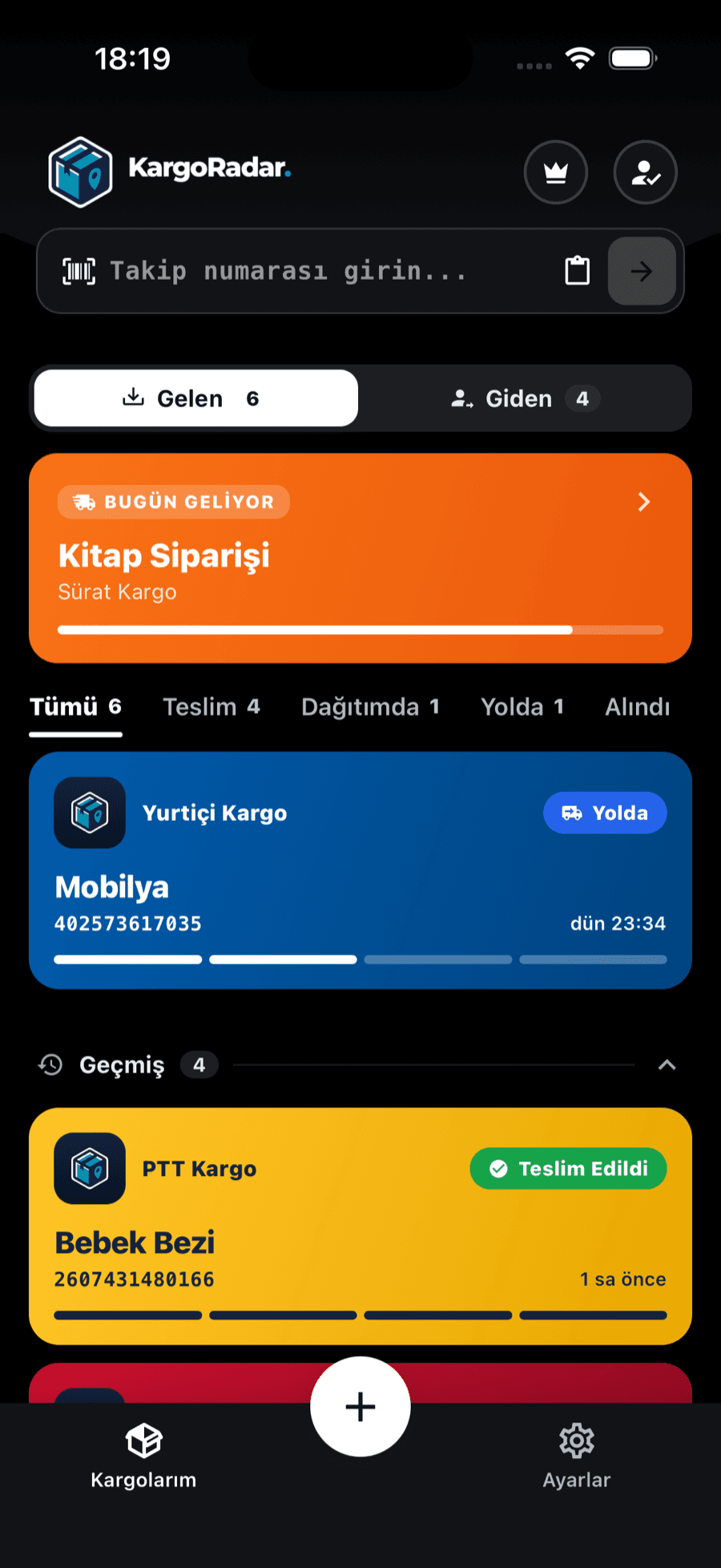
Incoming and outgoing, separated
Packages you receive and packages you send sit in separate tabs, filtered by status.
Yodel was a UK parcel carrier that delivered for many online retailers. InPost UK acquired it in April 2025, and Yodel’s deliveries now run under the InPost brand. Yodel tracking links open InPost UK’s tracking page.
InPost says Yodel Stores are still open: they’re the same kind of location that InPost calls InPost Shops, and many of them work as both. With the two companies’ teams and networks brought together, InPost says delivery, lockers, shops and support are all managed under InPost, and the InPost app and website are where you track and manage your parcels.
Kargo Radar checks InPost’s international tracking service, which answers Yodel numbers. Very old numbers may no longer be found there.
You’ll find the tracking number on the label, the shipping receipt or the shipping details the sender gave you. The examples below only show the format.
Example format
JJD0001234567890123
JJD followed by 16 digits.
Example format
JD0001234567890123
JD followed by 16 digits.
Example format
81ABC1234567A123
Two digits, three letters, seven digits, the letter A and three digits.
DHL also uses some numbers that start with JJD. If a JJD number isn’t found here, check it with DHL.
All three Yodel formats are recognized automatically, so you can paste the number into any Kargo Radar search box.
See where your package is in a few steps, and hear about it when the status changes.
Paste your tracking number into the form on this page. The form already has Yodel selected and takes you straight to the results.
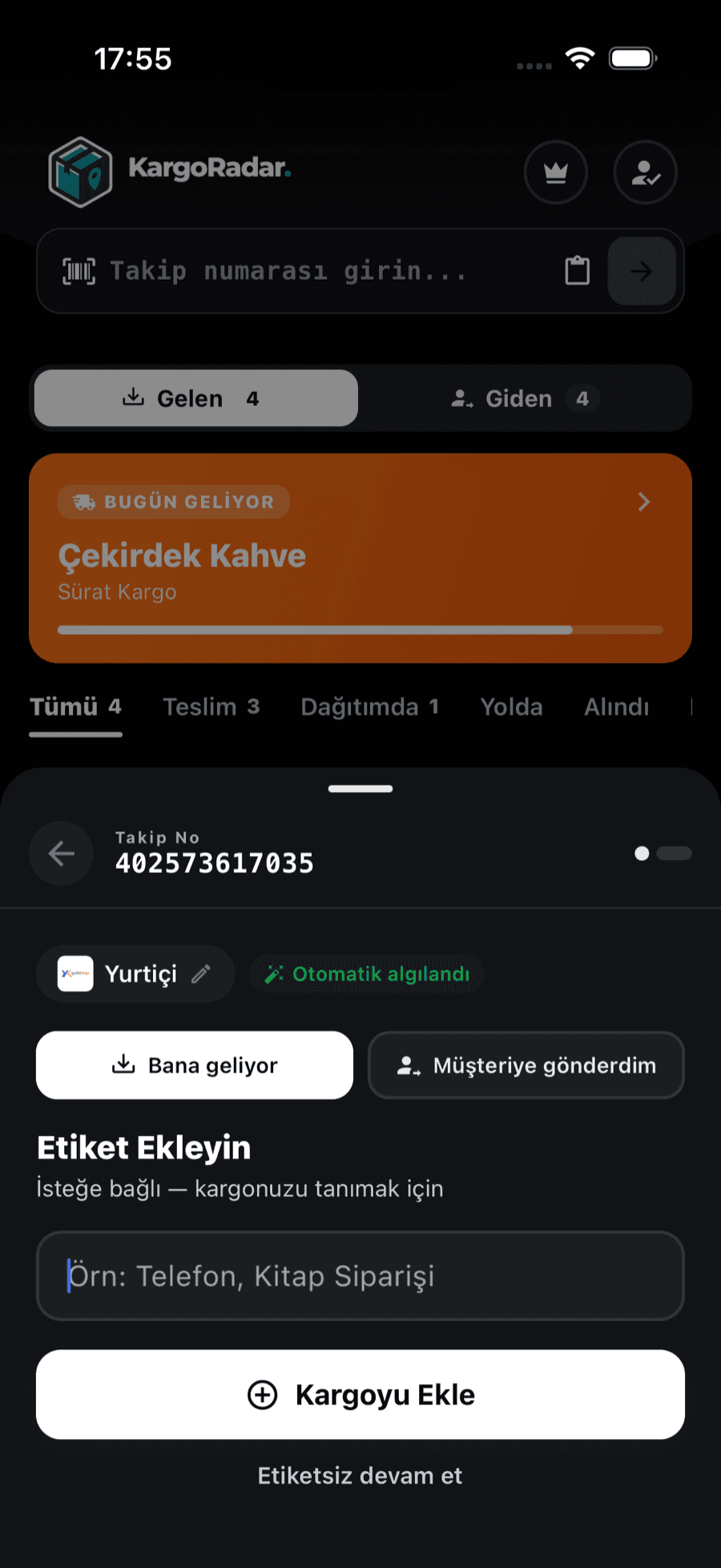
Paste the number into the search box on the home page or into the Kargo Radar app, and the carrier is recognized from the number’s format.
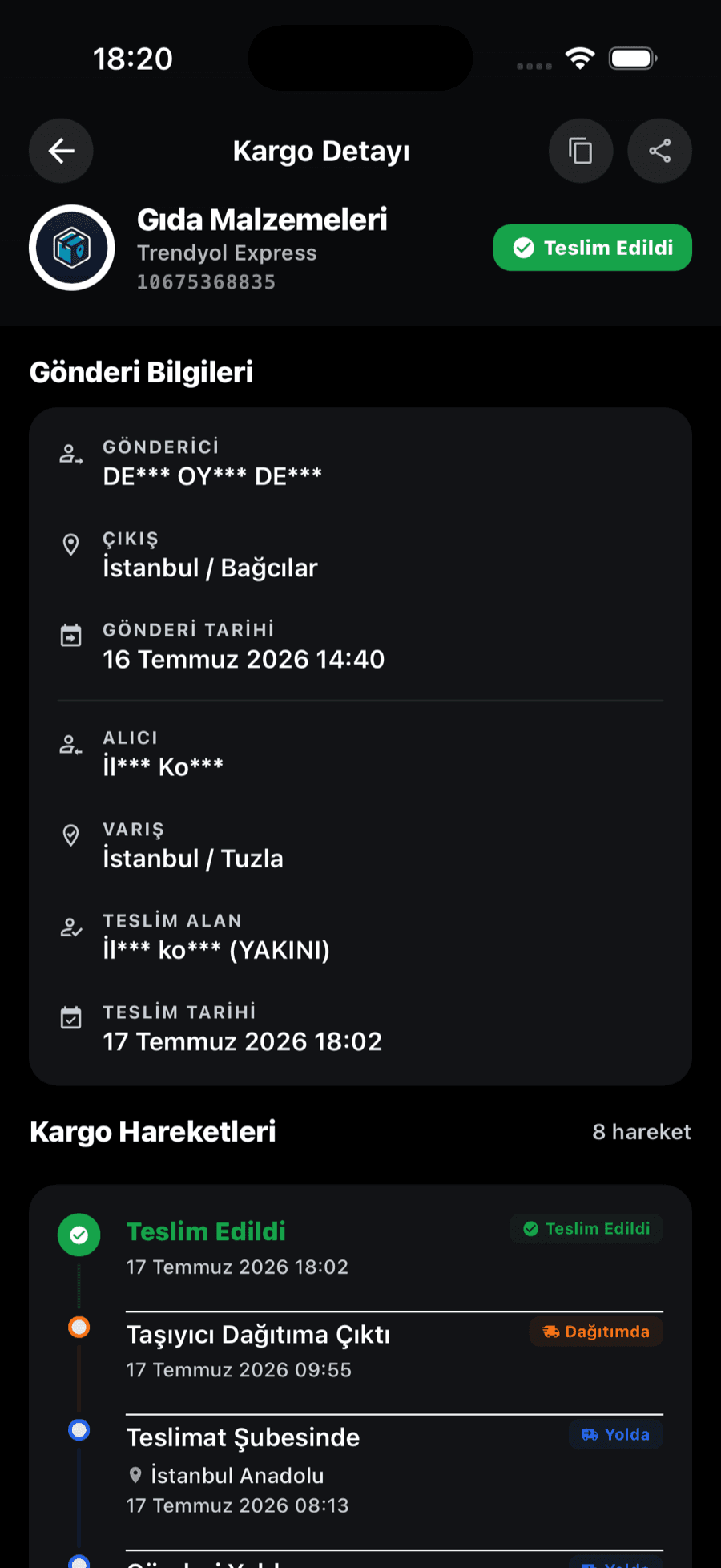
Each scan is listed on a timeline with its date (and time, when the carrier provides one), and the overall status is summarized as one of six standard statuses.
Save the package to your list in the Kargo Radar app and you’ll get a notification on your phone when its status changes. Packages from other carriers sit in the same list.
Kargo Radar turns each carrier’s own status wording into six standard statuses, so packages from different carriers read the same way. Each event keeps the carrier’s own description in the history, or an English rendering for carriers that only report in their local language.
Yodel parcels are now supported by InPost, and its Yodel help page says both teams can help. For a missing or damaged parcel, InPost points you to its claim form. For anything else, use the InPost contact page or Yodel’s own contact page.
If you need a return or a label, check your sender’s email first, since InPost says that’s where they’ll tell you what you need. Kargo Radar is only a window onto the tracking, with no way to send a claim or a message to InPost.
Answers to common questions about Yodel packages.
Paste your Yodel tracking number into the form on this page. Kargo Radar recognizes the format, looks it up and lists the parcel’s events in order.
Yes. InPost UK acquired Yodel in April 2025, and Yodel’s services have since moved under the InPost brand. Yodel tracking links now open InPost UK, and your Yodel tracking number still works on this page.
InPost says Yodel parcel numbers usually start with JD, JJD or the number 8. Numbers in the formats above are recognized automatically; other Yodel numbers are checked with Yodel when it’s selected, as it is in the form on this page.
Events appear when the parcel is scanned, so there can be quiet periods while it moves between depots. If a brand-new number isn’t found, the retailer may not have handed the parcel over yet.
Yes. InPost says Yodel Stores are still running, and you can send, collect and return parcels there as usual. Your sender’s email tells you which label or option your parcel needs, so check it before you go.
InPost says you can contact either the InPost team or the Yodel team, and both will guide you through the next steps. InPost also has a dedicated claim form for missing or damaged parcels. Kargo Radar can only show the tracking history, so a claim has to go through InPost.
Yes. Tracking on Kargo Radar is free and doesn’t require an account. Save the package in the app to get a notification when its status changes.
Track packages from other carriers in the same place.
 Swiss Post Tracking
 Austrian Post Tracking
 4PX Tracking
 Korea Post Tracking
 Barid Al-Maghrib Tracking
 SMSA Express Tracking
 Naqel Express Tracking
 International Post Tracking
 Cainiao Tracking
 Hermes Tracking
 Canada Post Tracking
 Estafeta Tracking
 LBC Express Tracking
 Delhivery Tracking
 Blue Dart Tracking
 Yamato Transport Tracking
 Japan Post Tracking
 EMS Tracking
 Correos Tracking
 Poste Italiane Tracking
 BRT Tracking
 GLS Italy Tracking
 CTT Tracking
 Chronopost Tracking
 bpost Tracking
 PostNord Tracking
 Posti Tracking
 Poczta Polska Tracking
 DPD Polska Tracking
 Packeta Tracking
 Česká pošta Tracking
 Nova Poshta Tracking
 FAN Courier Tracking
 Sameday Tracking
 Econt Tracking
 ELTA Tracking
 Ninja Van Tracking
 CJ Logistics Tracking
 ACS Courier Tracking
 APC Overnight Tracking
 Aramex Australia Tracking
 Aramex New Zealand Tracking
 Bosta Tracking
 BOX NOW Tracking
 Bulgarian Posts Tracking
 City Express Tracking
 4-72 Tracking
 Coordinadora Tracking
 Correo Argentino Tracking
 Correos Express Tracking
 D Express Tracking
 Danske Fragtmænd Tracking
 DAO Tracking
 DHL eCommerce UK Tracking
 DHL Parcel NL Tracking
 Early Bird Tracking
 Ekart Tracking
 EMS Vietnam Tracking
 ePost Global Tracking
 Flash Express Tracking
 FOXPOST Tracking
 GDEX Tracking
 Geniki Taxydromiki Tracking
 GLS France Tracking
 GOFO Tracking
 Hanjin Tracking
 Helthjem Tracking
 Hrvatska pošta Tracking
 Intelcom Tracking
 Inter Rapidísimo Tracking
 Jordan Post Tracking
 Kazpost Tracking
 KEX Express Tracking
 Leopards Courier Tracking
 Lietuvos paštas Tracking
 Logen Tracking
 Lotte Global Logistics Tracking
 M&P Courier Tracking
 Matkahuolto Tracking
 Meest Tracking
 MRW Tracking
 Mylerz Tracking
 NACEX Tracking
 Nationex Tracking
 NZ Post Tracking
 OCA Tracking
 Olva Courier Tracking
 Oman Post Tracking
 OnTrac Tracking
 ORLEN Paczka Tracking
 Pakistan Post Tracking
 Paperfly Tracking
 Pathao Courier Tracking
 PHLPost Tracking
 Planzer Tracking
 Pos Malaysia Tracking
 POST Luxembourg Tracking
 Posta Shqiptare Tracking
 Pósturinn Tracking
 RAM Couriers Tracking
 RedX Tracking
 Relais Colis Tracking
 ROZETKA Delivery Tracking
 Saudi Post Tracking
 Serpost Tracking
 Servientrega Tracking
 SingPost Tracking
 Slovenská pošta Tracking
 SPX Express Tracking
 Sunyou Tracking
 The Courier Guy Tracking
 TNT Italy Tracking
Features
Track packages from 126 carriers in one place. Create an account, add your packages, and we’ll take care of the rest.
Paste a tracking number and Kargo Radar finds the right carrier — all your packages on one screen.


One account to track your packages on the web, Android and iOS.
Get notified when your package is out for delivery or delivered.
No account needed. Enter your tracking number and see your package status instantly. Free and unlimited.
See every step in detail — where your package was scanned and when.
Your data is encrypted, and your tracking information belongs to you alone.
Manage all your packages in one place
Create your account in seconds.
Enter your tracking number and start tracking.
See your package’s latest status at a glance.
Create your account in seconds.
Enter your tracking number and start tracking.
See your package’s latest status at a glance.
Create a free account and track all your packages in one place


