

International item
Example format
AA123456789NZ
Two letters, 9 digits, and NZ. Recognized automatically.

Track a parcel with New Zealand Post, including CourierPost labels and international items. See each scan and find out what to do if your parcel is held at the border, missed, or marked delivered.
Enter your NZ Post or CourierPost tracking number
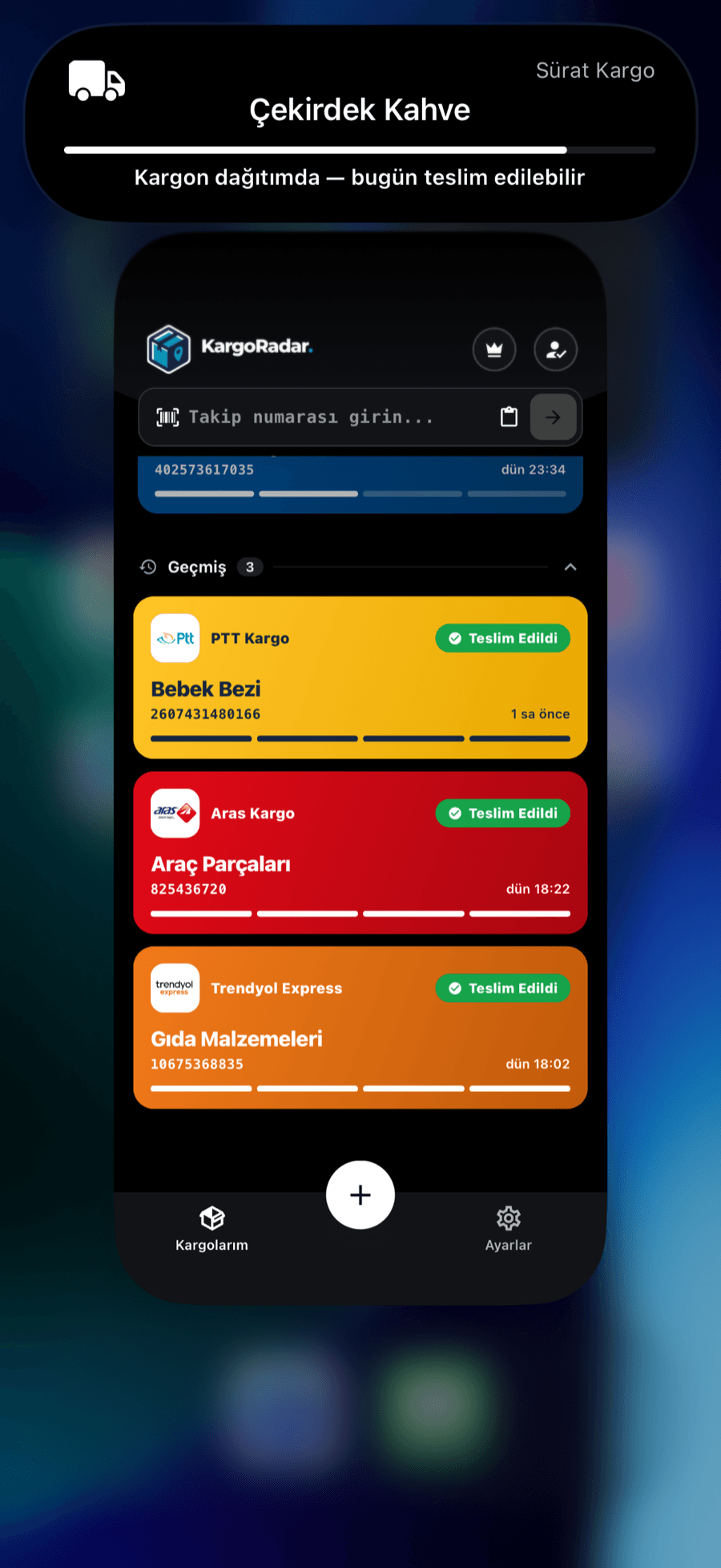
When any of your packages, including NZ Post, is out for delivery, you’ll see it in the Dynamic Island, on your home screen widget and in your notifications. Your package keeps you posted before you even ask.
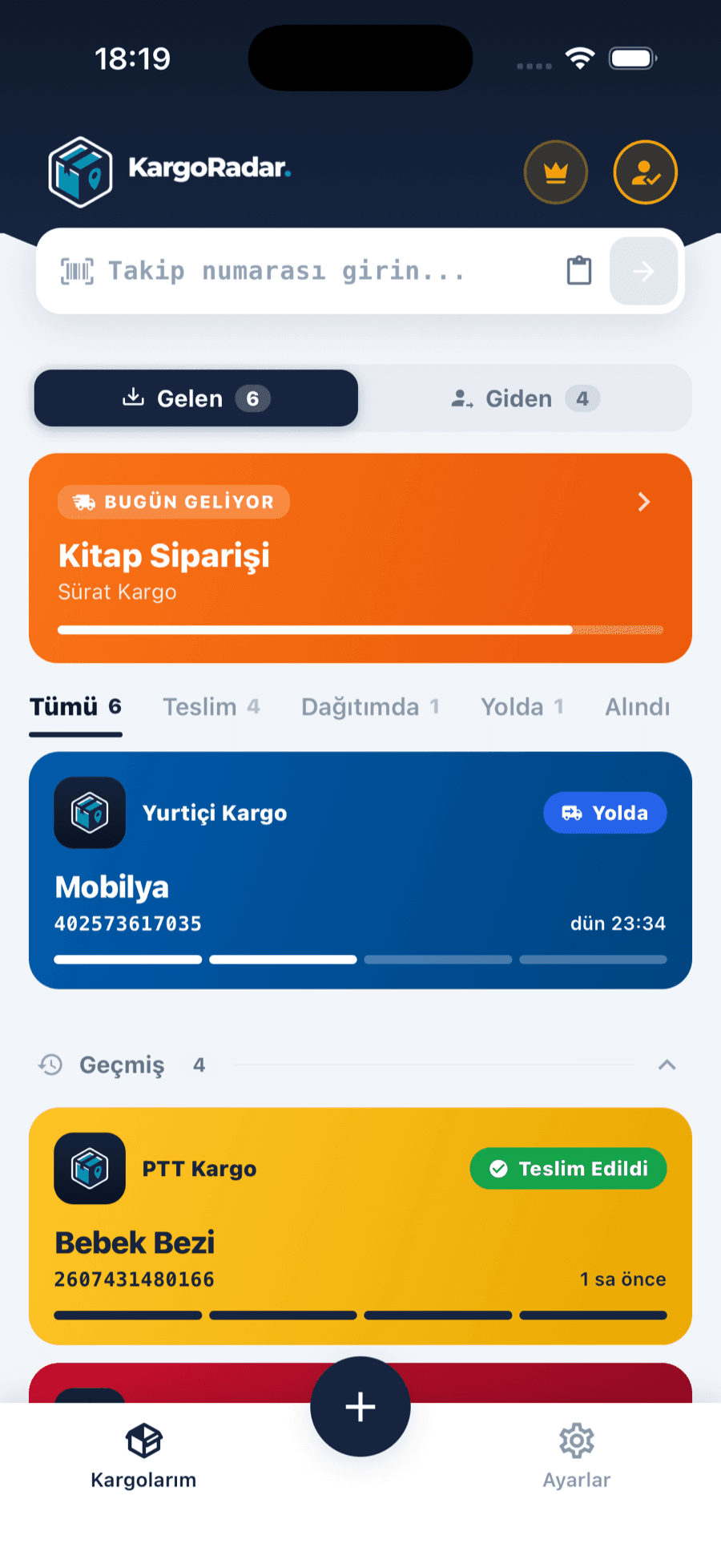
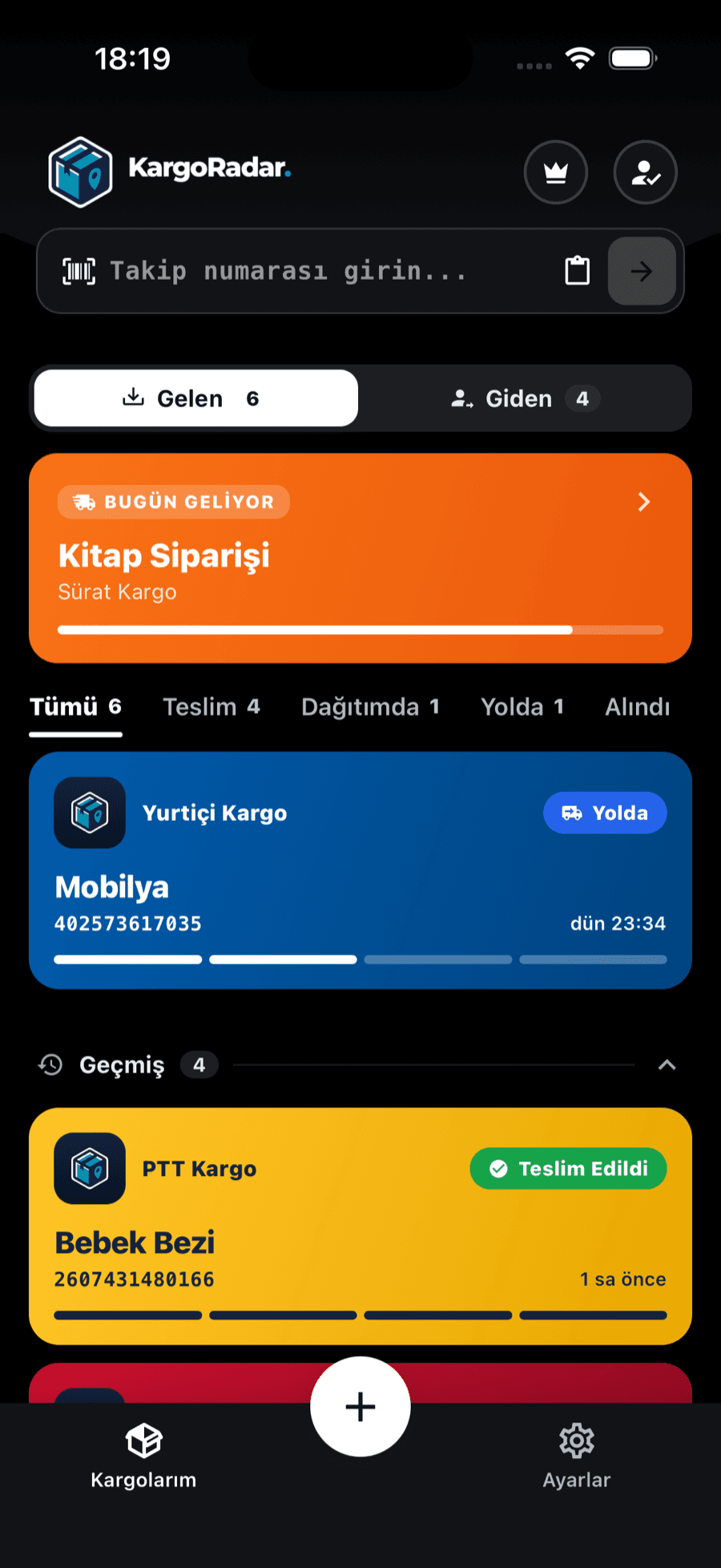
Incoming and outgoing, separated
Packages you receive and packages you send sit in separate tabs, filtered by status.
NZ Post delivers parcels, packages and mail for businesses and consumers in New Zealand, and it says it has a history of about 170 years. Its tracking covers domestic courier parcels, which carry longer labels, and international items that end in NZ.
What sets it apart for recipients is the range of options after a parcel is on its way. From the tracking tool you may be able to leave a signature-required parcel in a safe place or redirect it. NZ Post also says you can send tracked parcels to more than 360 collection locations, including its stores and Woolworths. Parcels at those locations are held for 10 days from the notification email and require photo ID.
Kargo Radar reads the tracking service behind NZ Post’s tool and shows its English event text. That service often includes destination-country events, so a parcel leaving New Zealand can show arrival and clearance overseas. Items arriving from abroad may show border processing. Kargo Radar is an independent service and isn’t part of or affiliated with NZ Post.
You’ll find the tracking number on the label, the shipping receipt or the shipping details the sender gave you. The examples below only show the format.
Example format
AA123456789NZ
Two letters, 9 digits, and NZ. Recognized automatically.
Example format
1234567890123456ABC123AB
16 digits, 3 letters, 3 digits and 2 letters. Recognized automatically.
Example format
12345678901234567890
Digits only. It isn’t recognized automatically, so use this page with NZ Post selected.
A missed delivery card shows the item’s tracking number, so it can stand in if you’ve lost the sender’s email.
Numbers ending in NZ and full CourierPost labels are recognized automatically. Digits-only barcodes could belong to anyone, so enter them here, where NZ Post is already selected.
See where your package is in a few steps, and hear about it when the status changes.
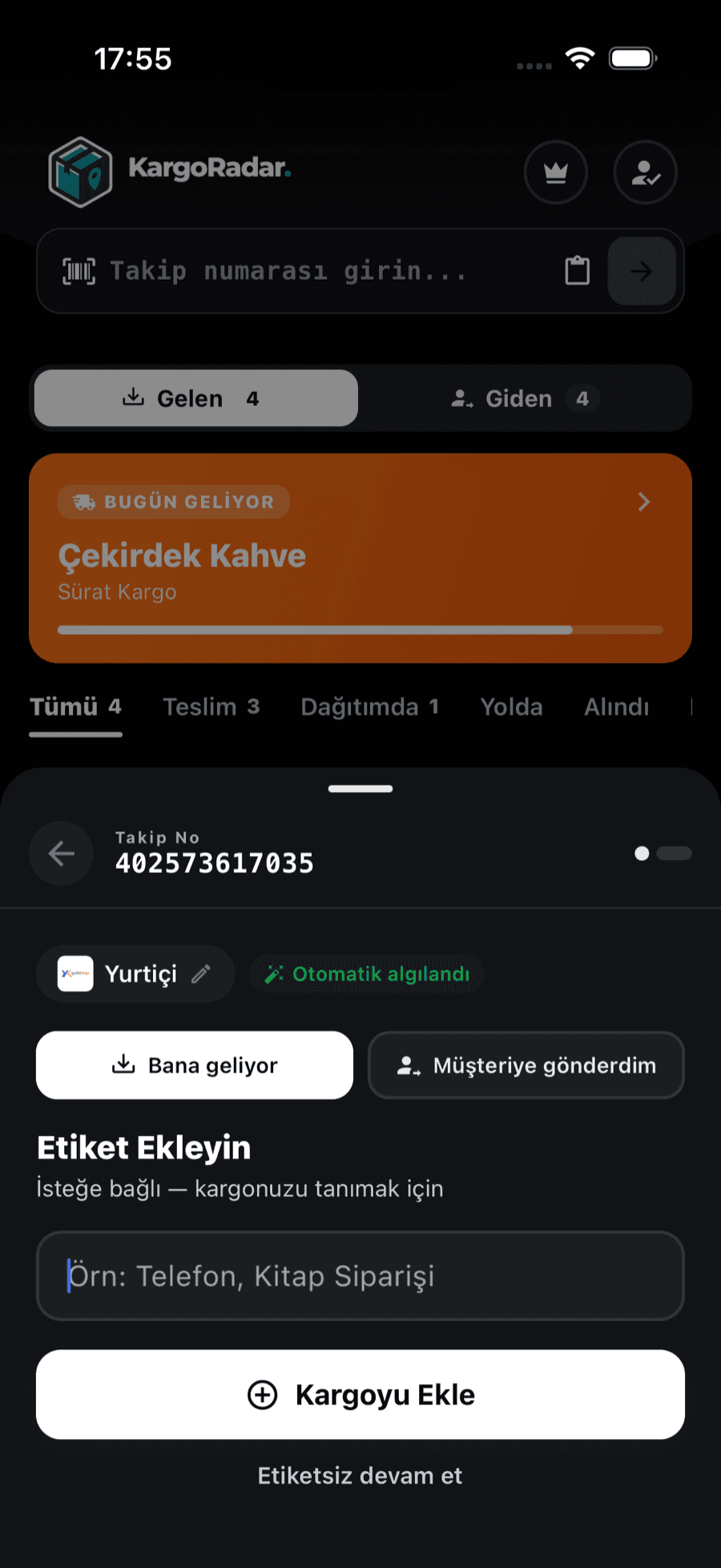
Paste your tracking number into the form on this page. The form already has NZ Post selected and takes you straight to the results.
Some NZ Post numbers are recognized from their format. For the rest, choose NZ Post from the carrier list in the app or on the tracking page.
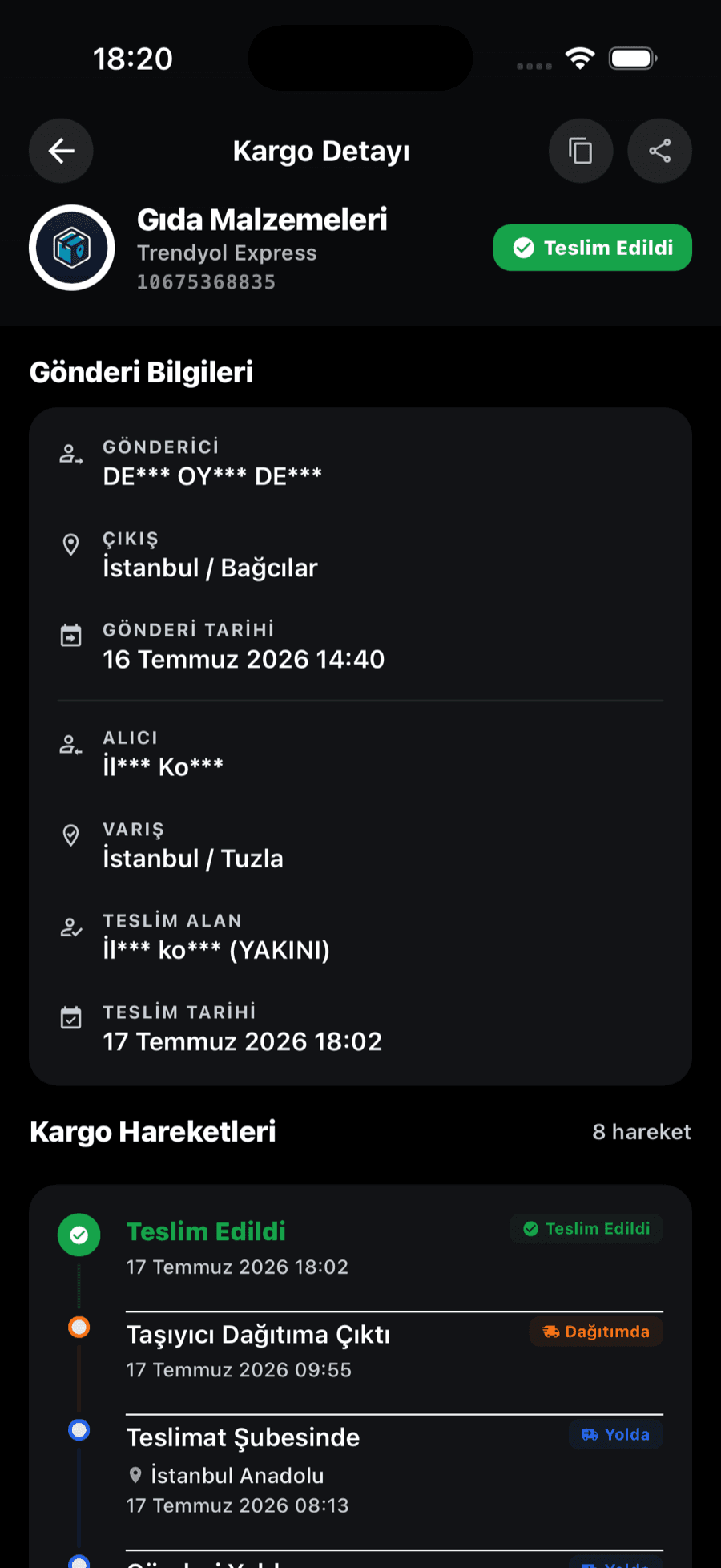
Each scan is listed on a timeline with its date (and time, when the carrier provides one), and the overall status is summarized as one of six standard statuses.
Save the package to your list in the Kargo Radar app and you’ll get a notification on your phone when its status changes. Packages from other carriers sit in the same list.
Kargo Radar turns each carrier’s own status wording into six standard statuses, so packages from different carriers read the same way. Each event keeps the carrier’s own description in the history, or an English rendering for carriers that only report in their local language.
Phrases as NZ Post writes them in its tracking:
Who makes the enquiry depends on the problem. If a parcel is late or undelivered, the receiver can submit NZ Post’s parcel enquiry once its delivery target has passed, and you’ll need the tracking number. Those targets are published on its enquiry page. If tracking says delivered and you can’t find it, check for a safe place or someone who signed on your behalf, then ask the sender, who bought the service, to lodge the enquiry.
For missing contents or damage, start with the sender too. If an overseas parcel hasn’t reached New Zealand yet, the sender or foreign courier is the right contact, as NZ Post can only trace it once it’s scanned here. Kargo Radar only displays the tracking record, so it can’t redirect a parcel, pay customs charges or open an enquiry.
Answers to common questions about NZ Post packages.
Enter the number above. CourierPost labels and numbers ending in NZ are recognized automatically, and a digits-only barcode works here because NZ Post is selected on this page.
For overseas orders, NZ Post says it’s usually in the seller’s shipping confirmation. If the sender gave NZ Post your email, it can also email you the number and updates. After a missed delivery, the number is printed on the card.
A lookup pulls the record NZ Post holds at that time. Events only appear after someone scans the parcel, so it can be closer than it looks, or still waiting at a gateway with no recent update.
NZ Post says either the parcel needs more time before its first scan or the number is wrong. Confirm the number with the sender and try again later. An overseas parcel may not show NZ Post events until it reaches New Zealand.
A border agency is checking the parcel, and NZ Post says it can’t speed that up. If duty or GST is owed, NZ Post contacts you with payment details and releases the parcel once it’s paid. After release, NZ Post asks you to allow up to 10 working days before getting in touch.
Check the card first, then use the redelivery option on NZ Post’s receiving page or in its tracking tool. You can usually collect from the location on the card instead, with the card or number and photo ID. Uncollected items are returned to the sender, so act soon.
Add a location to your NZ Post account and use it as your delivery address, with your Collect my parcel number on the line after your name. When the email arrives, bring it and photo ID matching the parcel’s name within 10 days.
Often, yes. NZ Post’s Leave my parcel option lets you authorize a safe place through the tracking tool, unless the parcel is already with the courier, redirected, or has had a delivery attempt. NZ Post won’t be liable if a parcel left this way is lost.
Track packages from other carriers in the same place.
 Swiss Post Tracking
 InPost Tracking
 Austrian Post Tracking
 DPD UK Tracking
 4PX Tracking
 Korea Post Tracking
 Barid Al-Maghrib Tracking
 SMSA Express Tracking
 Naqel Express Tracking
 Cainiao Tracking
 Amazon Logistics Tracking
 Hermes Tracking
 Yodel Tracking
 Canada Post Tracking
 Estafeta Tracking
 LBC Express Tracking
 Delhivery Tracking
 Blue Dart Tracking
 Yamato Transport Tracking
 Japan Post Tracking
 EMS Tracking
 Correos Tracking
 Poste Italiane Tracking
 BRT Tracking
 GLS Italy Tracking
 CTT Tracking
 Chronopost Tracking
 bpost Tracking
 PostNord Tracking
 Posti Tracking
 Poczta Polska Tracking
 DPD Polska Tracking
 Packeta Tracking
 Česká pošta Tracking
 Nova Poshta Tracking
 FAN Courier Tracking
 Sameday Tracking
 Econt Tracking
 ELTA Tracking
 Ninja Van Tracking
 CJ Logistics Tracking
 ACS Courier Tracking
 APC Overnight Tracking
 Bosta Tracking
 BOX NOW Tracking
 Bulgarian Posts Tracking
 City Express Tracking
 4-72 Tracking
 Coordinadora Tracking
 Correo Argentino Tracking
 Correos Express Tracking
 D Express Tracking
 Danske Fragtmænd Tracking
 DAO Tracking
 DHL eCommerce UK Tracking
 DHL Parcel NL Tracking
 Early Bird Tracking
 Ekart Tracking
 EMS Vietnam Tracking
 ePost Global Tracking
 Flash Express Tracking
 FOXPOST Tracking
 GDEX Tracking
 Geniki Taxydromiki Tracking
 GLS France Tracking
 GOFO Tracking
 Hanjin Tracking
 Helthjem Tracking
 Hrvatska pošta Tracking
 Intelcom Tracking
 Inter Rapidísimo Tracking
 Jordan Post Tracking
 Kazpost Tracking
 KEX Express Tracking
 Leopards Courier Tracking
 Lietuvos paštas Tracking
 Logen Tracking
 Lotte Global Logistics Tracking
 M&P Courier Tracking
 Matkahuolto Tracking
 Meest Tracking
 MRW Tracking
 Mylerz Tracking
 NACEX Tracking
 Nationex Tracking
 OCA Tracking
 Olva Courier Tracking
 Oman Post Tracking
 OnTrac Tracking
 ORLEN Paczka Tracking
 Pakistan Post Tracking
 Paperfly Tracking
 Pathao Courier Tracking
 PHLPost Tracking
 Planzer Tracking
 Pos Malaysia Tracking
 POST Luxembourg Tracking
 Posta Shqiptare Tracking
 Pósturinn Tracking
 RAM Couriers Tracking
 RedX Tracking
 Relais Colis Tracking
 ROZETKA Delivery Tracking
 Saudi Post Tracking
 Serpost Tracking
 Servientrega Tracking
 SingPost Tracking
 Slovenská pošta Tracking
 SPX Express Tracking
 Sunyou Tracking
 The Courier Guy Tracking
 TNT Italy Tracking
Features
Track packages from 126 carriers in one place. Create an account, add your packages, and we’ll take care of the rest.
Paste a tracking number and Kargo Radar finds the right carrier — all your packages on one screen.


One account to track your packages on the web, Android and iOS.
Get notified when your package is out for delivery or delivered.
No account needed. Enter your tracking number and see your package status instantly. Free and unlimited.
See every step in detail — where your package was scanned and when.
Your data is encrypted, and your tracking information belongs to you alone.
Manage all your packages in one place
Create your account in seconds.
Enter your tracking number and start tracking.
See your package’s latest status at a glance.
Create your account in seconds.
Enter your tracking number and start tracking.
See your package’s latest status at a glance.
Create a free account and track all your packages in one place


