

Number ending in AR
Example format
CP123456789AR
Two letters, nine digits and AR: posted with Correo Argentino.

Look up a Correo Argentino item, from Argentina or arriving from abroad. See each scan with the postal plant that made it, and what to do when a parcel stops at import.
Enter your Correo Argentino number
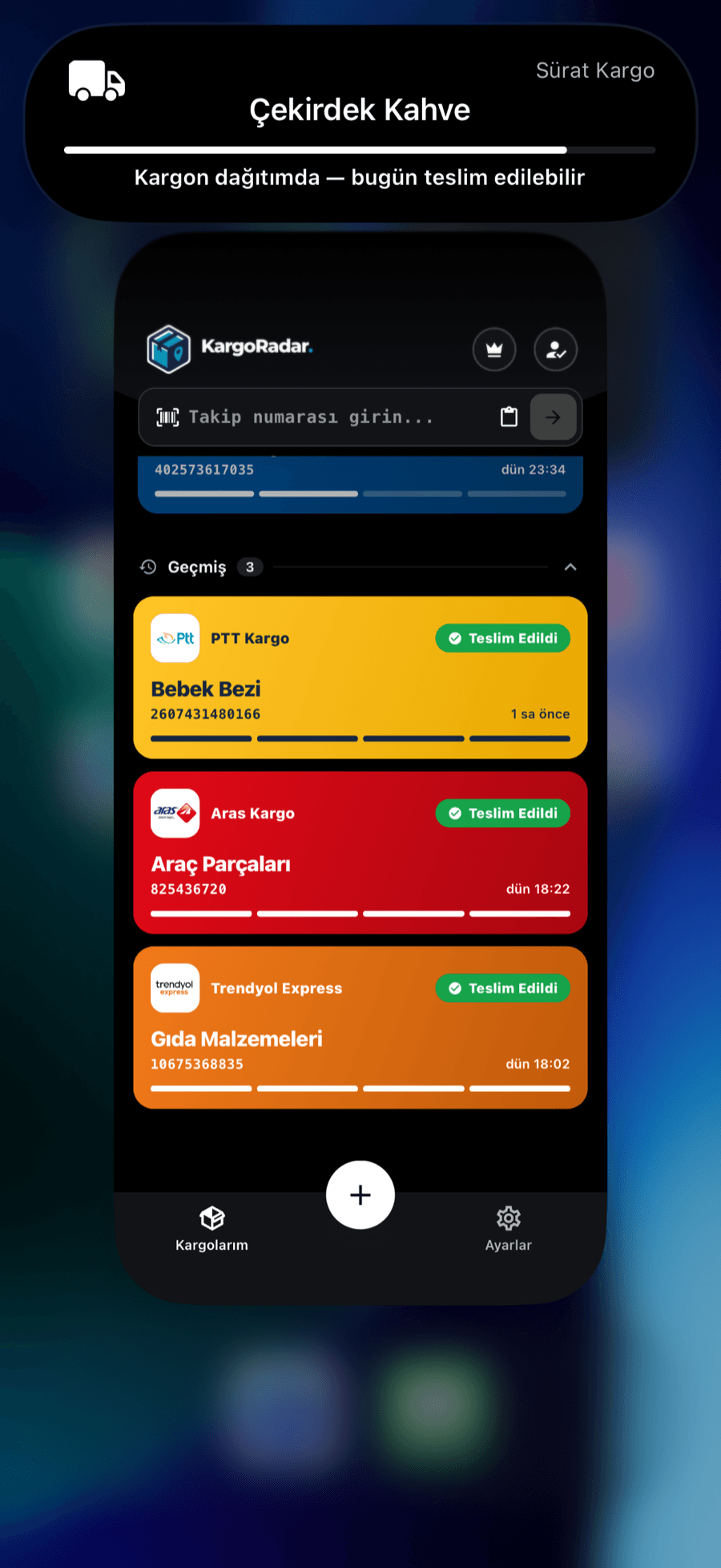
When any of your packages, including Correo Argentino, is out for delivery, you’ll see it in the Dynamic Island, on your home screen widget and in your notifications. Your package keeps you posted before you even ask.
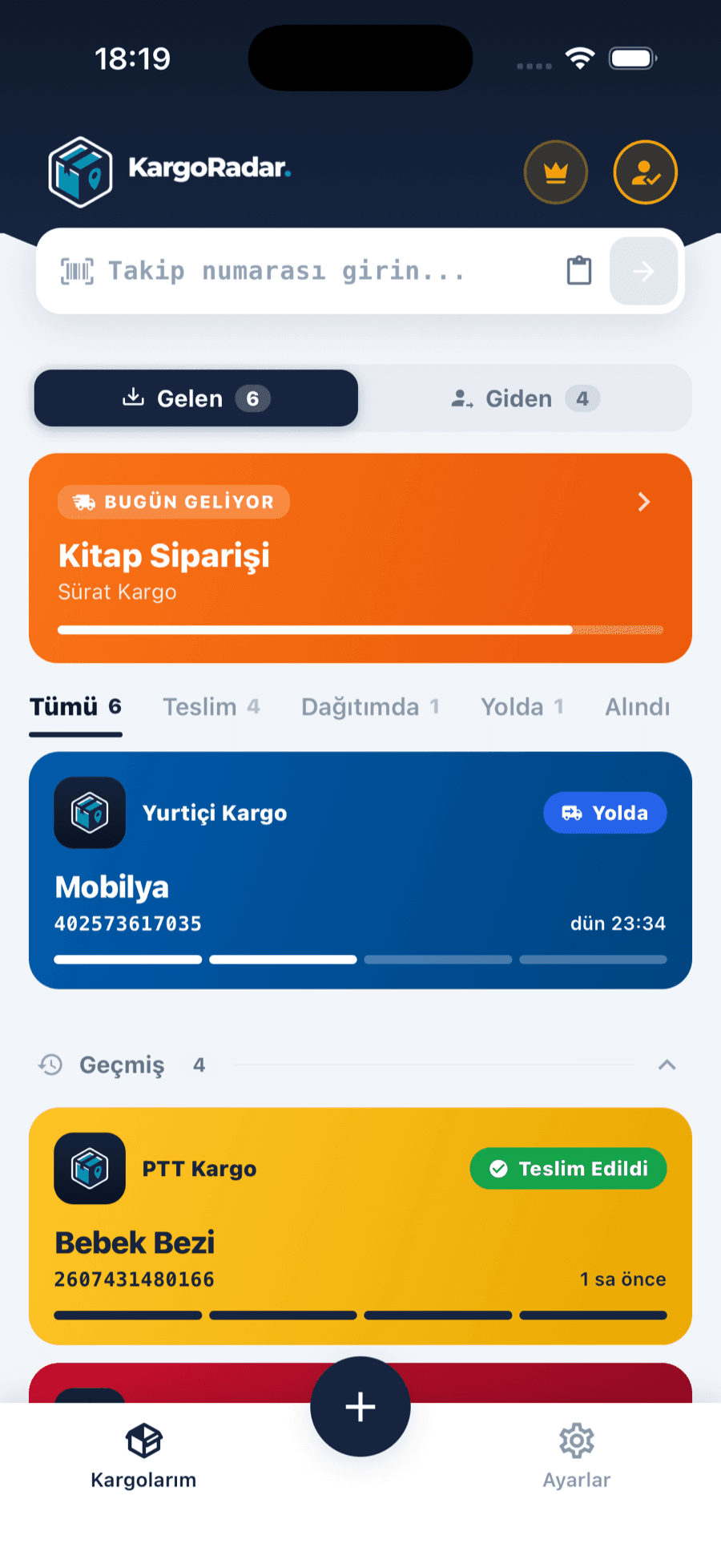
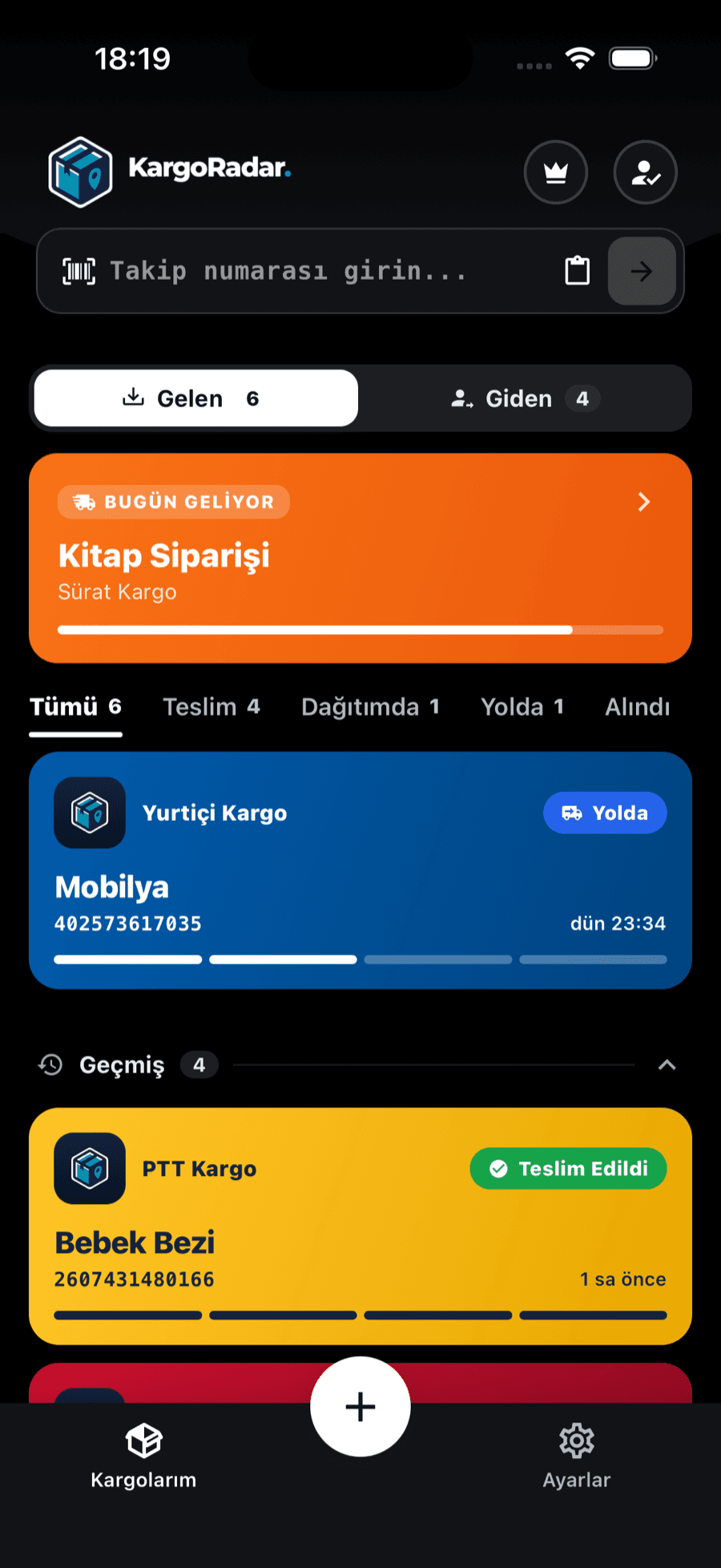
Incoming and outgoing, separated
Packages you receive and packages you send sit in separate tabs, filtered by status.
Correo Argentino describes itself as the official postal service of the Argentine Republic. It lists parcel, postal, logistics and financial services, plus telegrams and registered letters, and its tracking page has separate forms for different kinds of item.
Parcels from abroad need extra attention. Correo Argentino says that once an item shows as arrived in the country, you log in to its International Shipments portal and complete an “aviso de compra” when the system allows it. Payment, if any, opens after that. Tracking alone won’t move the parcel forward.
Kargo Radar picks the right Correo Argentino lookup from the number’s format: domestic and outbound numbers, items from abroad, or e-commerce codes. Scans stay in Spanish, and the overall status appears in English. The e-commerce lookup has had less testing than the others, so if a code isn’t found here, also try Correo Argentino’s site. Kargo Radar is independent and isn’t connected to Correo Argentino.
You’ll find the tracking number on the label, the shipping receipt or the shipping details the sender gave you. The examples below only show the format.
Example format
CP123456789AR
Two letters, nine digits and AR: posted with Correo Argentino.
Example format
RX123456789DE
Same pattern, ending in the origin country’s letters. It appears with Correo Argentino after it reaches Argentina.
Example format
ABC123456789
Letters and digits given by the shop. Formats vary by seller.
Correo Argentino also suggests scanning the barcode on the label with its app. On this page, type the letters and digits without dashes.
Numbers ending in AR are recognized automatically and looked up with Correo Argentino. For items from abroad or e-commerce codes, choose Correo Argentino yourself; it’s already selected in this page’s form.
See where your package is in a few steps, and hear about it when the status changes.
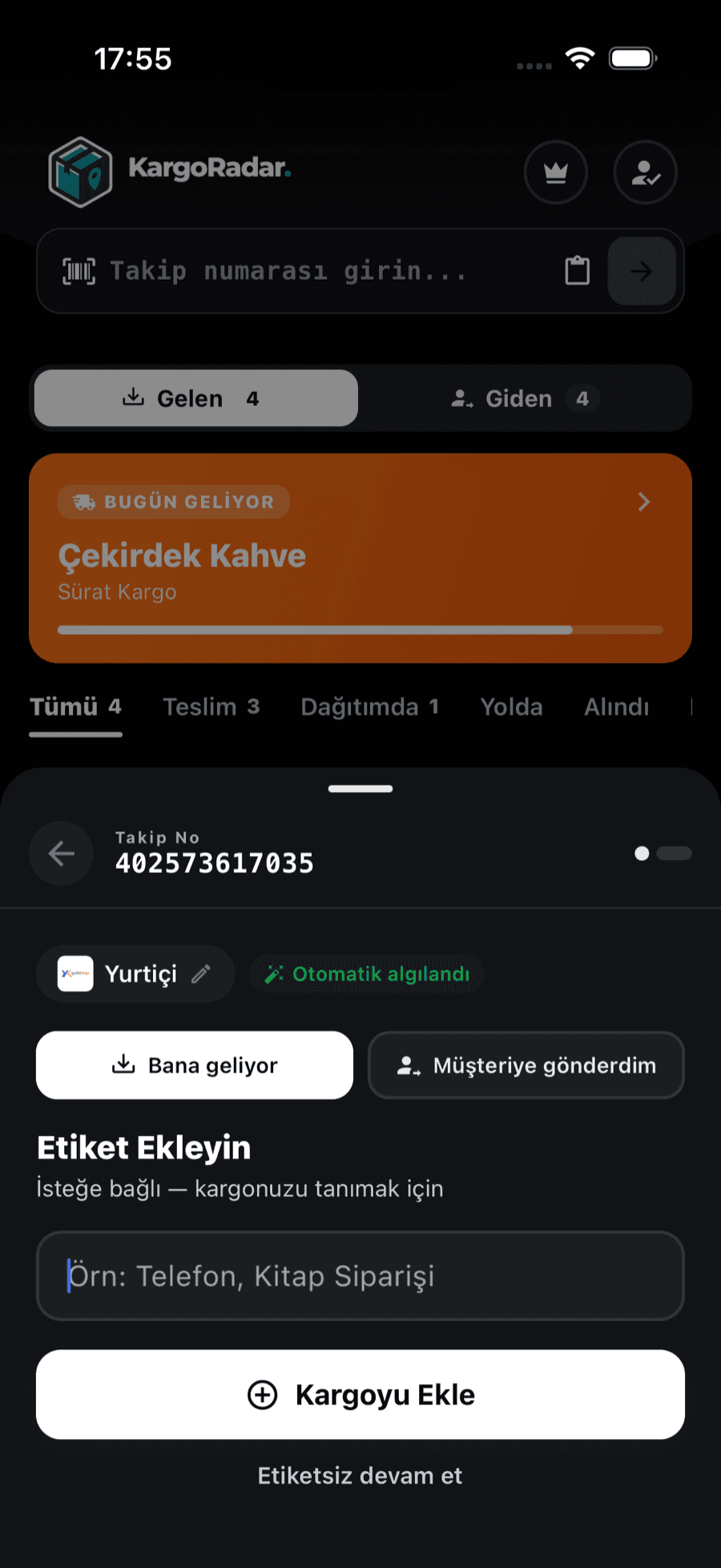
Paste your tracking number into the form on this page. The form already has Correo Argentino selected and takes you straight to the results.
Some Correo Argentino numbers are recognized from their format. For the rest, choose Correo Argentino from the carrier list in the app or on the tracking page.
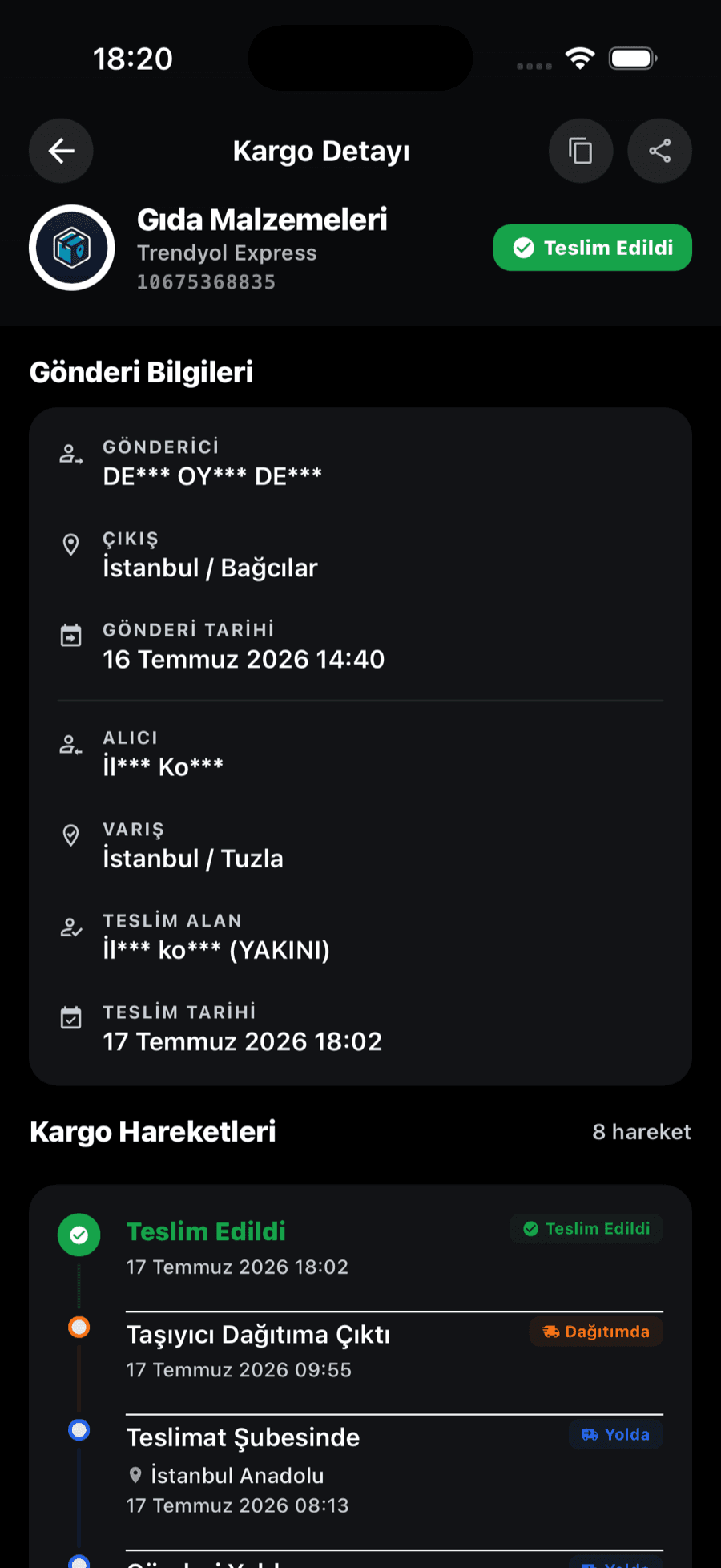
Each scan is listed on a timeline with its date (and time, when the carrier provides one), and the overall status is summarized as one of six standard statuses.
Save the package to your list in the Kargo Radar app and you’ll get a notification on your phone when its status changes. Packages from other carriers sit in the same list.
Kargo Radar turns each carrier’s own status wording into six standard statuses, so packages from different carriers read the same way. Each event keeps the carrier’s own description in the history, or an English rendering for carriers that only report in their local language.
Correo Argentino’s history is written in Spanish capitals. Some lines you may see:
For questions or claims, Correo Argentino points you to its official customer service channels, and asks you to have the tracking number at hand. Its customer centers are listed on its site. If you can’t collect in person, its FAQ describes the signed authorization and the copy of your DNI that another person needs.
Correo Argentino warns that it doesn’t ask for personal details or payment through links in messages, so go to its site directly if you’re told to pay. Kargo Radar doesn’t collect customs payments, and it can’t file an aviso de compra or a claim for you.
Answers to common questions about Correo Argentino packages.
Enter the number in the form here. You don’t have to work out which of Correo Argentino’s tracking forms applies, because Kargo Radar chooses from the number’s format.
It’s on the label and on your post office receipt. For shop orders, the seller provides it. Items sent from abroad use the number the foreign seller or postal service gave you.
Your search goes straight to Correo Argentino and returns what it holds at that moment. Correo Argentino itself notes that some statuses aren’t updated every day, so a quiet record doesn’t always mean a stuck parcel.
Correo Argentino suggests checking how it’s written. If it still fails, the item may not have entered its system yet, or the number may belong to another carrier. Asking the sender is a good next step.
It may be waiting for you. Log in to the International Shipments portal, linked from Correo Argentino’s site, and complete the aviso de compra when the option opens. If no payment option appears yet, Correo Argentino says the parcel may still be under control or validation.
Be careful. Correo Argentino says it doesn’t request data or payments through links sent by WhatsApp or SMS. Don’t click; open its official site yourself and check the status there.
Track packages from other carriers in the same place.
 Swiss Post Tracking
 InPost Tracking
 Austrian Post Tracking
 DPD UK Tracking
 4PX Tracking
 Korea Post Tracking
 Barid Al-Maghrib Tracking
 SMSA Express Tracking
 Naqel Express Tracking
 Cainiao Tracking
 Amazon Logistics Tracking
 Hermes Tracking
 Yodel Tracking
 Canada Post Tracking
 Estafeta Tracking
 LBC Express Tracking
 Delhivery Tracking
 Blue Dart Tracking
 Yamato Transport Tracking
 Japan Post Tracking
 EMS Tracking
 Correos Tracking
 Poste Italiane Tracking
 BRT Tracking
 GLS Italy Tracking
 CTT Tracking
 Chronopost Tracking
 bpost Tracking
 PostNord Tracking
 Posti Tracking
 Poczta Polska Tracking
 DPD Polska Tracking
 Packeta Tracking
 Česká pošta Tracking
 Nova Poshta Tracking
 FAN Courier Tracking
 Sameday Tracking
 Econt Tracking
 ELTA Tracking
 Ninja Van Tracking
 CJ Logistics Tracking
 ACS Courier Tracking
 APC Overnight Tracking
 Aramex Australia Tracking
 Aramex New Zealand Tracking
 Bosta Tracking
 BOX NOW Tracking
 Bulgarian Posts Tracking
 City Express Tracking
 4-72 Tracking
 Coordinadora Tracking
 Correos Express Tracking
 D Express Tracking
 Danske Fragtmænd Tracking
 DAO Tracking
 DHL eCommerce UK Tracking
 DHL Parcel NL Tracking
 Early Bird Tracking
 Ekart Tracking
 EMS Vietnam Tracking
 ePost Global Tracking
 Flash Express Tracking
 FOXPOST Tracking
 GDEX Tracking
 Geniki Taxydromiki Tracking
 GLS France Tracking
 GOFO Tracking
 Hanjin Tracking
 Helthjem Tracking
 Hrvatska pošta Tracking
 Intelcom Tracking
 Inter Rapidísimo Tracking
 Jordan Post Tracking
 Kazpost Tracking
 KEX Express Tracking
 Leopards Courier Tracking
 Lietuvos paštas Tracking
 Logen Tracking
 Lotte Global Logistics Tracking
 M&P Courier Tracking
 Matkahuolto Tracking
 Meest Tracking
 MRW Tracking
 Mylerz Tracking
 NACEX Tracking
 Nationex Tracking
 NZ Post Tracking
 Olva Courier Tracking
 Oman Post Tracking
 OnTrac Tracking
 ORLEN Paczka Tracking
 Pakistan Post Tracking
 Paperfly Tracking
 Pathao Courier Tracking
 PHLPost Tracking
 Planzer Tracking
 Pos Malaysia Tracking
 POST Luxembourg Tracking
 Posta Shqiptare Tracking
 Pósturinn Tracking
 RAM Couriers Tracking
 RedX Tracking
 Relais Colis Tracking
 ROZETKA Delivery Tracking
 Saudi Post Tracking
 Servientrega Tracking
 SingPost Tracking
 Slovenská pošta Tracking
 SPX Express Tracking
 Sunyou Tracking
 The Courier Guy Tracking
 TNT Italy Tracking
Features
Track packages from 126 carriers in one place. Create an account, add your packages, and we’ll take care of the rest.
Paste a tracking number and Kargo Radar finds the right carrier — all your packages on one screen.


One account to track your packages on the web, Android and iOS.
Get notified when your package is out for delivery or delivered.
No account needed. Enter your tracking number and see your package status instantly. Free and unlimited.
See every step in detail — where your package was scanned and when.
Your data is encrypted, and your tracking information belongs to you alone.
Manage all your packages in one place
Create your account in seconds.
Enter your tracking number and start tracking.
See your package’s latest status at a glance.
Create your account in seconds.
Enter your tracking number and start tracking.
See your package’s latest status at a glance.
Create a free account and track all your packages in one place


